Quire

Click any .epub link. It just opens.

Quire is an EPUB reader that lives in Chrome. Links to books open straight in a clean reader, with whole-book search, bookmarks that stay put, and page or scroll mode.

Add to Chrome — free
Awaiting Chrome Web Store review. Installation opens automatically after approval.
No account. No tracking. Your books stay on your computer.
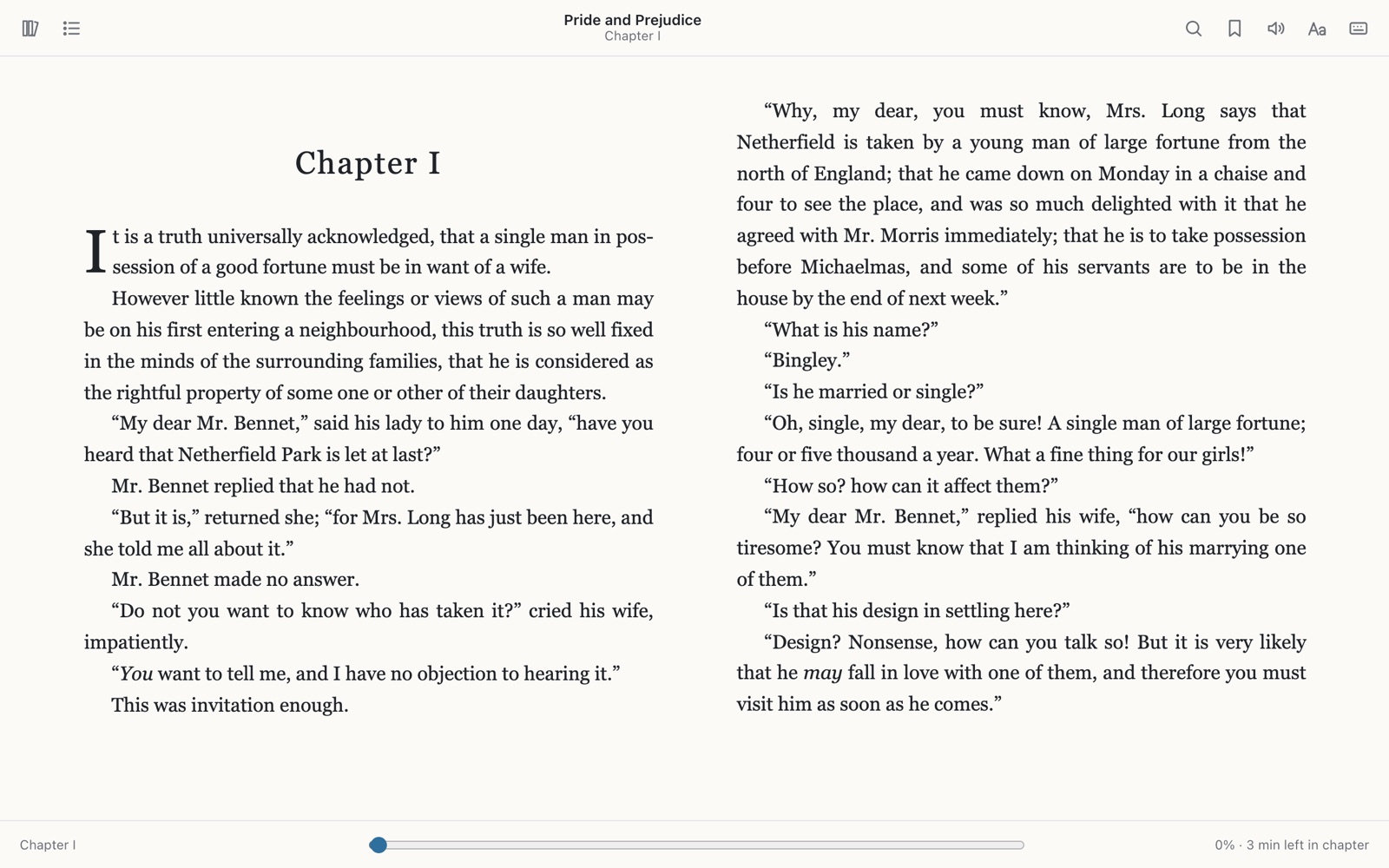
Pride and Prejudice open in Quire as a two-page spread, after clicking a link to pride-and-prejudice.epub
Opens .epub linksOpen books directly in Chrome, without digging through your Downloads folder.
Searches the whole bookEvery chapter at once, with highlighted results.
Bookmarks that stickClose the tab, restart Chrome, come back to the same page.
Page or scrollKeep scrolling and the next chapter follows.
Search

Search the whole book in about a second

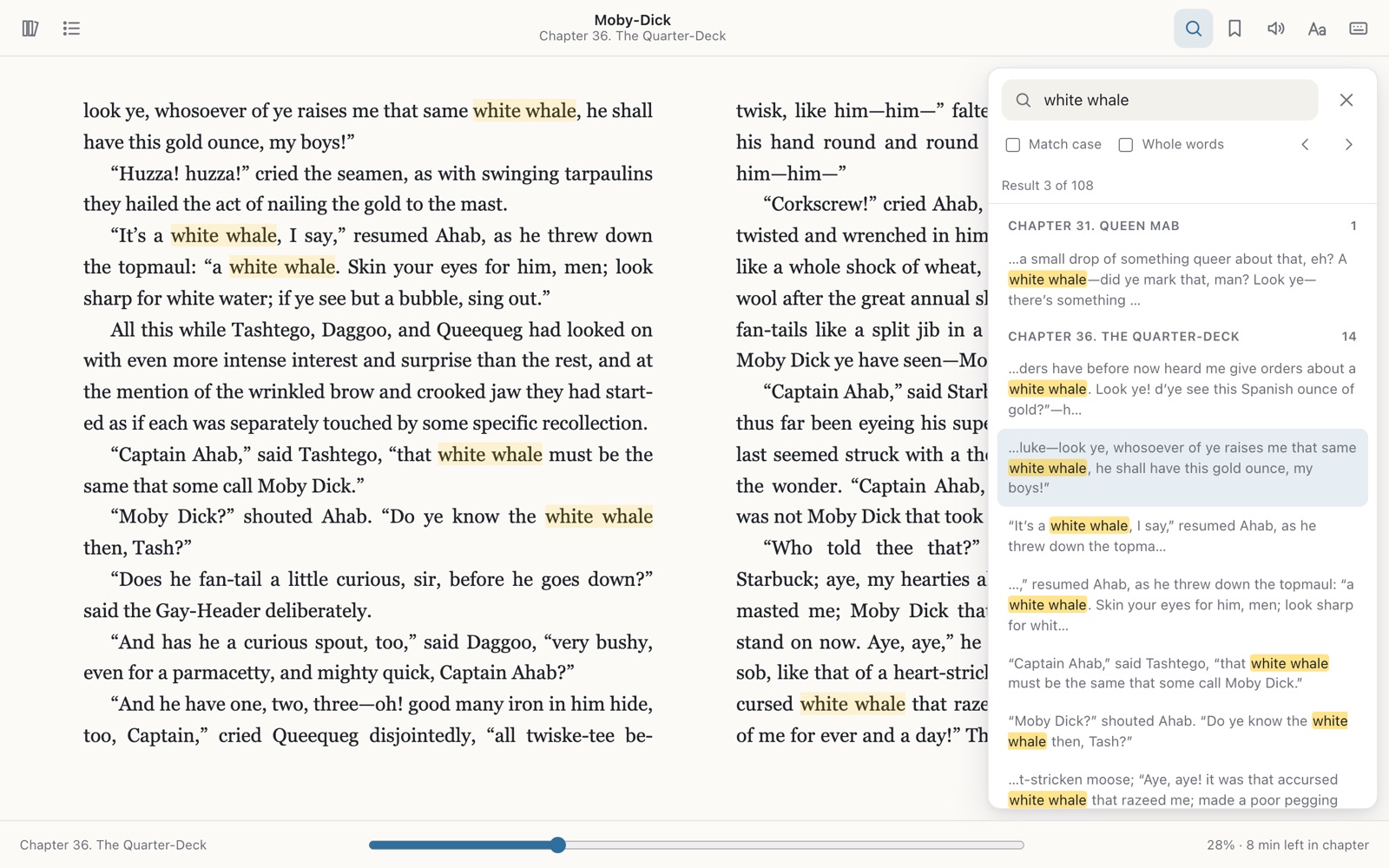
Quire searches every chapter at once, not just the one you are on. Results are grouped by chapter with the match highlighted, and Enter steps to the next one. All of Moby-Dick takes about a second.
  • Ctrl/⌘+F or / to search
  • Match case and whole-word options
  • Select text to search for it
Searching Moby-Dick for “white whale”: 108 results grouped by chapter, highlighted on the page
Bookmarks

Bookmarks that actually stick

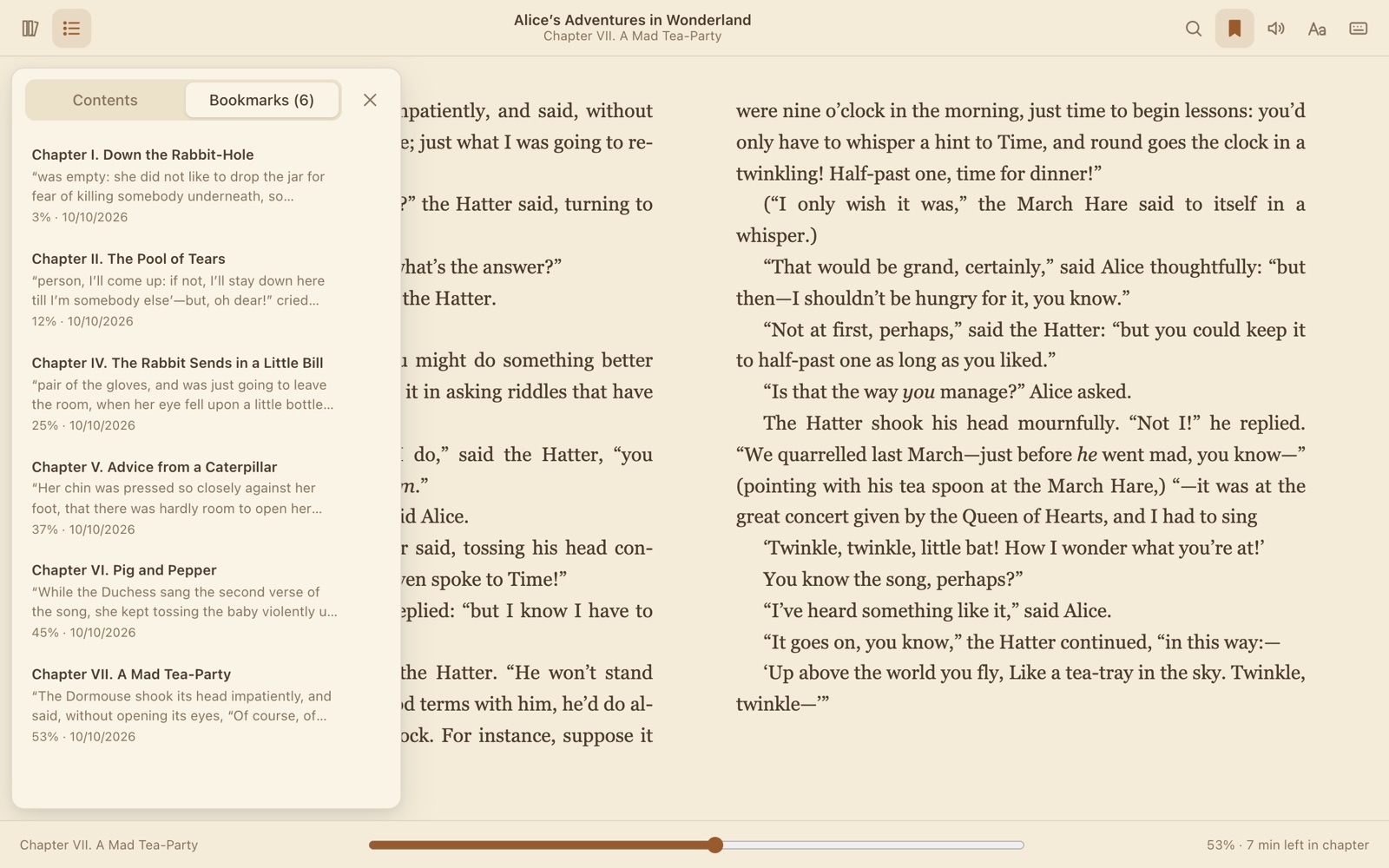
Your reading position is saved as you turn pages, and bookmarks are tied to the book itself. Close the tab, restart Chrome or open the same file from somewhere else, and you are back where you were.
  • B to bookmark, Shift+B for the list
  • Each bookmark shows its chapter and an excerpt
Alice's Adventures in Wonderland in the sepia theme with a list of six bookmarks
Reading

Page or scroll. Light, sepia or dark.

Read in pages, one or two columns depending on your window, or switch to scroll mode, where the next chapter follows when you reach the end of this one.
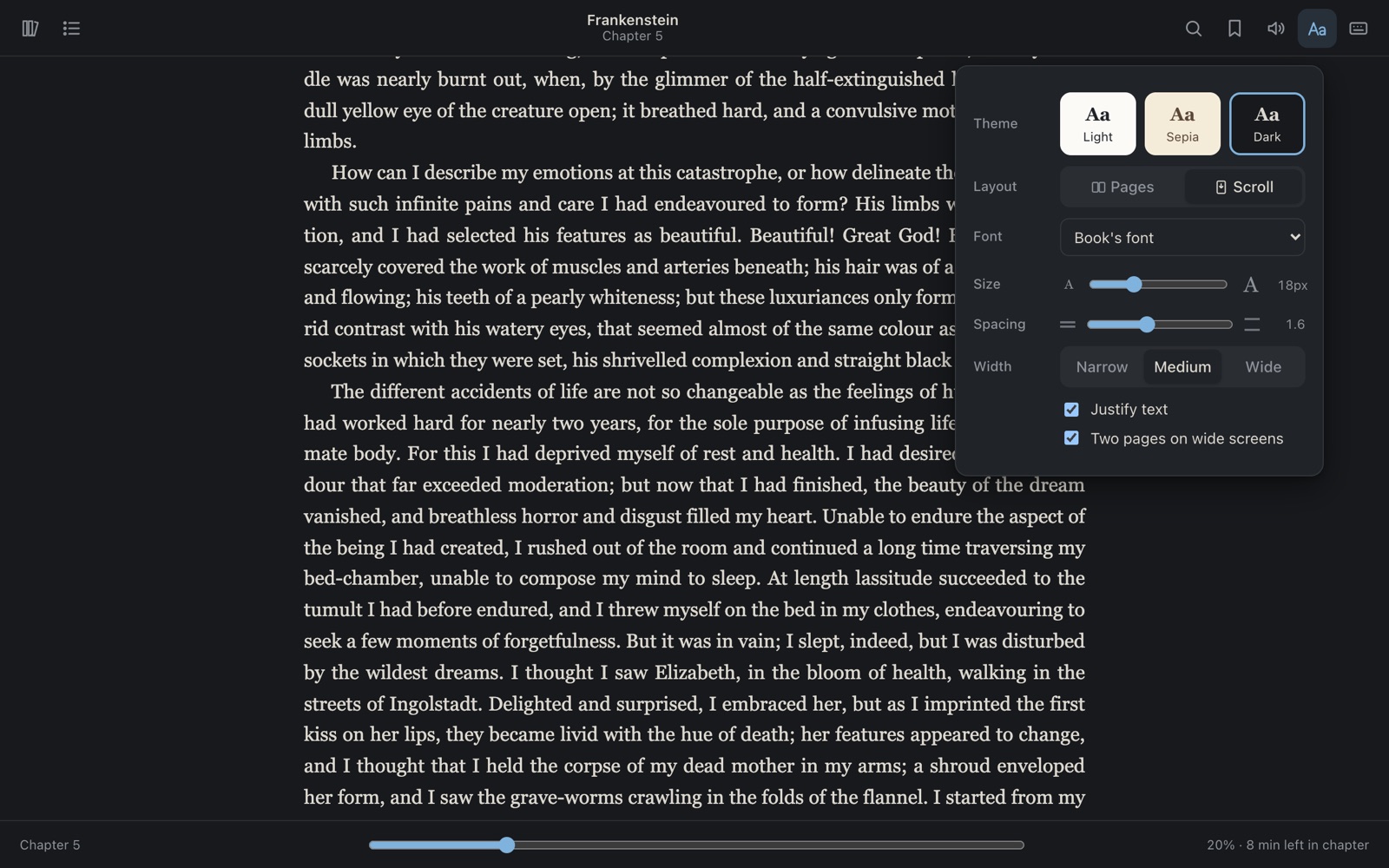
  • Font, size, line spacing and page width
  • Justified or ragged text
  • M toggles pages/scroll, D cycles themes
Frankenstein in the dark theme and scroll mode with the appearance panel open

Private. Your books stay on your computer.

Quire has no accounts, no analytics and no ads. The books you open, your bookmarks, reading positions and settings are stored in this browser and nowhere else. The only thing Quire downloads is the book you clicked.
No accountNothing to sign up for. Install it and read.
No trackingNo analytics, telemetry, crash reporting or ads.
Scripts in books are blockedBook content runs in a sandbox, so code inside an EPUB does not run.

Read the privacy policy

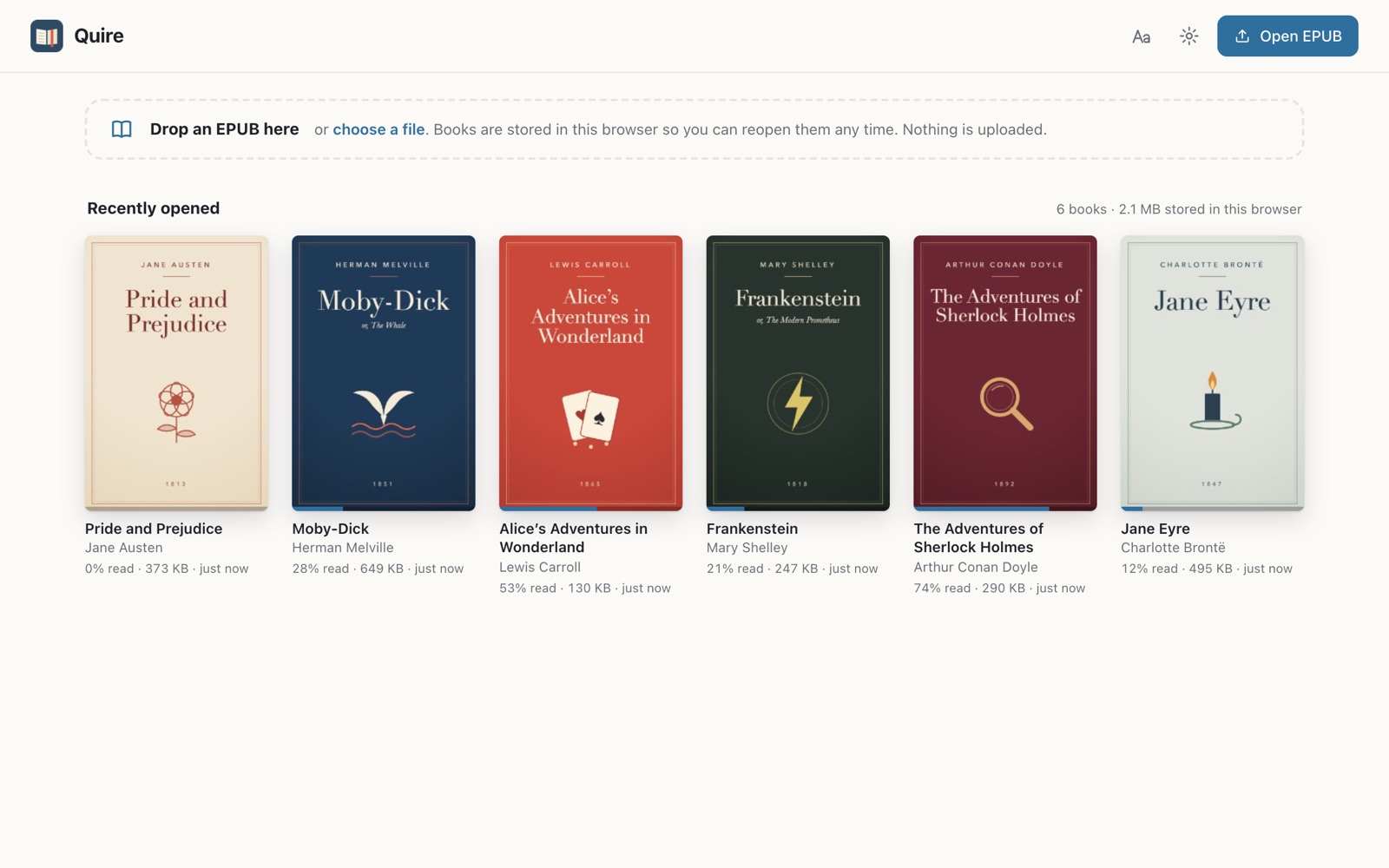
The Quire library with six books, their covers and reading progress, stored in this browser

Permissions, in plain words

Chrome will show a warning when you install Quire. Here is what each permission is for.

Read and change all your data on all websites When you click a link to an EPUB, Quire needs to catch that navigation and fetch the book from whichever site hosts it. A book can be on any site, so that takes access to all sites. Quire has no content scripts: it never reads or changes the pages you visit. It only redirects links to EPUB files into its own reader.
Manage your downloads (optional, off unless you turn it on) Lets Quire open EPUB files that a site forces to download, and .epub files you drag onto Chrome. Other downloads are left alone.

Storage and the right-click menu Saves your settings, bookmarks and positions locally, and adds “Open link in Quire EPUB Reader” to the menu for links.

Also in the box

Table of contentsWith the current chapter highlighted.
Read aloudUses your computer's built-in voices and highlights the paragraph being read.
A library of your booksCovers and progress. Books reopen without the original file.
Keyboard shortcutsArrows to turn pages, T for contents, ? for the full list.
Local files tooDrop an EPUB on the library or pick one from your computer.
Clear error messagesHelpful messages when a book cannot be opened.

Start reading in Chrome

Add to Chrome — free